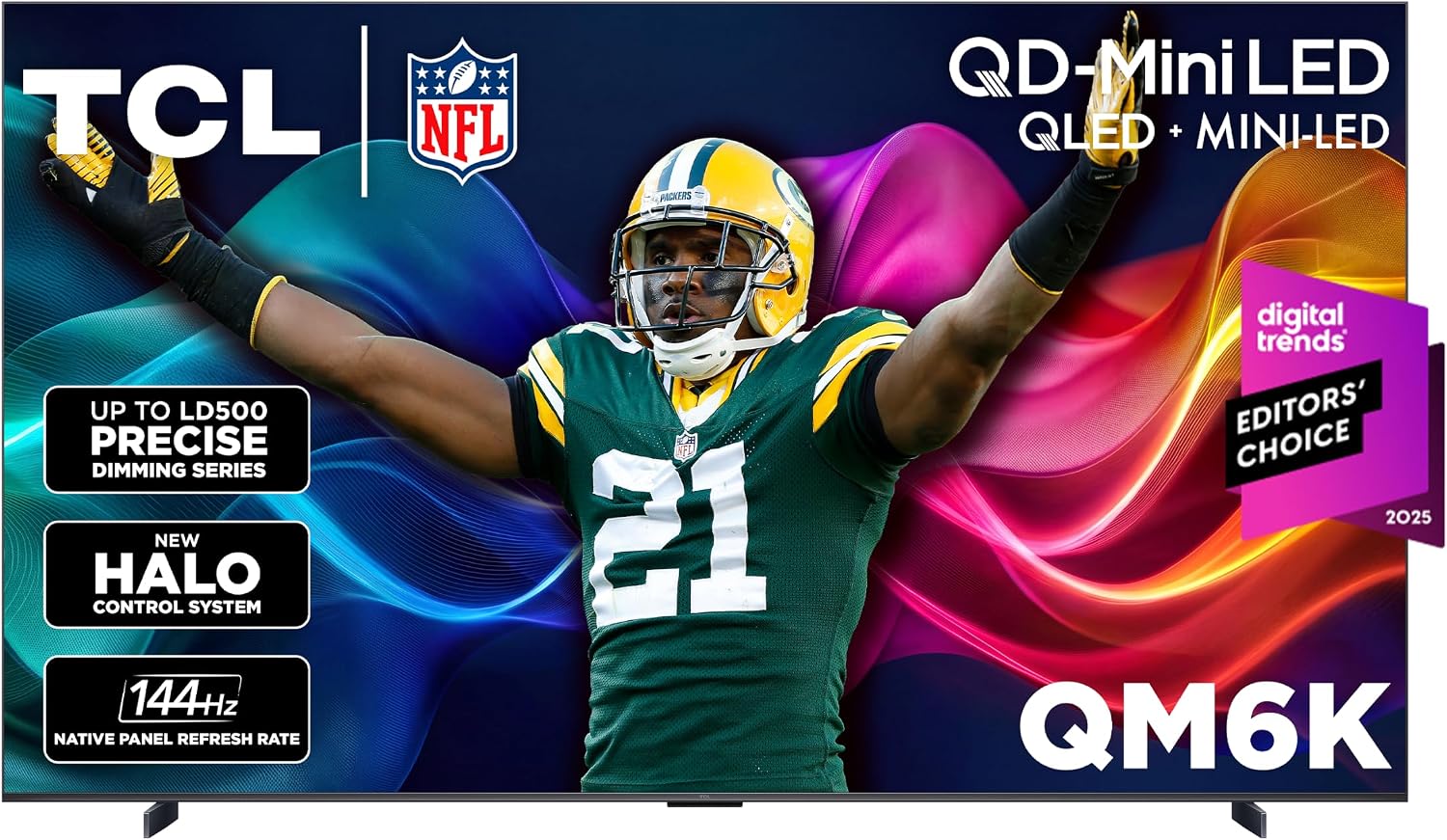
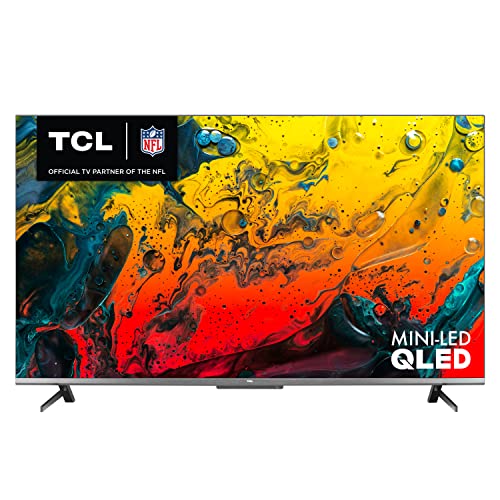
The photo and the Check Price on Amazon button use one listing: TCL 65 Inch Class QM8K Series | Mini LED QLED 4K HDR | 65QM8K, 2025 Model | 120HZ-144HZ Anti Reflective Wide Angle Screen Smart Google TV Dolby Atmos | Voice Remote Alexa Gaming Streaming Television. Other configurations discussed below are context, not substitutes for this link.
The QM8K is TCL’s QD-Mini LED television series, the high configuration in that year’s QLED lineup. On TCL’s US product page the panel is a CrystGlow WHVA, 4K at 3840 by 2160, with a native 144 Hz refresh and variable refresh up to 144 Hz. HDR support on that page includes HDR10, HDR10+, HLG, and Dolby Vision, including Dolby Vision IQ and a gaming mode. TCL lists HDR brightness at 5000 nits for the series page built around the 65-inch 65QM8K. Local dimming is TCL’s Precise Dimming. Audio is by Bang & Olufsen, with Dolby Atmos passthrough. The smart platform is Google TV, with Chromecast, Apple AirPlay 2, Alexa, Google Assistant, and Apple HomeKit listed, on Wi-Fi 6. That is a specific television. A Black Friday title that says “TCL Mini LED” may be a QM7K, a QM6K, or last year’s QM8. The K and the 8 are both load-bearing.
What those panel words mean in a room
Mini-LED with a quantum-dot layer is how TCL gets a bright HDR image and a color volume that holds up in a bright room. Five thousand nits is a peak figure TCL prints, not the brightness of a paused menu. Highlights in a movie can use that headroom. A spreadsheet will not, and you should not set the TV that bright for a evening of dialogue. Precise Dimming is the zone control that keeps a bright highlight from turning the whole neighborhood of the screen gray. How many zones you get can differ by screen size. Read the size you are buying. Do not copy the 65-inch page onto a smaller or larger QM8K without checking.
144 Hz and variable refresh are the gaming lines. A PlayStation 5 or an Xbox that outputs 120 Hz has room on this panel. You want HDMI ports that actually accept that signal, on the port number the manual names, with game mode on. A receiver in the middle can block the signal if the receiver is older. Plug the console into the TV directly when you test. Dolby Vision for games depends on the console and the title, not only on the TV’s badge.
The WHVA panel type is TCL’s viewing-angle story for this series. Off-axis seats in a wide living room look better than they do on a narrow VA panel that empties out from the side. Sit in the seat you actually own, if you can see the TV in a store, and look from the kitchen doorway. That thirty-second look tells you more than a slogan.
Bang & Olufsen on the badge means the speakers were tuned with that partner. They are still TV speakers. A room where you care about music or a film’s low end still wants a soundbar or a receiver on the eARC port. The TV will pass Dolby Atmos to that bar. The bar is a separate budget.
Google TV is the interface. You will sign in with a Google account, which is also how Chromecast and the voice remote’s assistant features behave. AirPlay 2 covers an iPhone without that account. The remote in the box matters. A renewed TV sometimes arrives without it, and a universal remote is a worse substitute for the features printed on TCL’s remote. Confirm the remote.
Sizes, model codes, and the rest of the K series
QM8K is a series. The 65-inch is the configuration TCL’s page uses as the worked example. Other diagonals exist in the same series and should be named as 55QM8K, 75QM8K, or whatever size the listing actually is. The number in front of the letters is the inches. A 65-inch price on a 55-inch title is not a discount. It is a mismatch. Measure the stand width and the wall. A 75-inch QM8K is a different piece of furniture from a 65-inch, with a different delivery story. Some sizes ship freight. Read that before you plan a sedan.
QM7K and QM6K are the steps down in the same naming scheme. They are real TVs. They are not the panel this page is about. Last year’s QM8, without the K, is also a different set. Marketplace titles drop the letter when the letter is the entire difference. Open the model field in the specifications, not the headline.
Pedestal versus feet versus a wall mount is the last physical choice. The feet in the box set the width you must clear on a media console. A soundbar has to fit between them or in front of them. A wall mount has to match the VESA pattern for that size. None of this is in the nit figure, and all of it decides whether the TV fits the room you have.
QM8K Black Friday Buying Advice: Black Friday Deals 2026
Choose the diagonal from the wall and the sofa, not from a bundle photo. Then confirm the model code is QM8K for that diagonal. Then confirm the remote, the feet or the stand hardware, and the power cable are listed as included. Compare the live price with a QM7K only if you are willing to give up the QM8K’s dimming and brightness tier. If the prices are close, the QM8K is the one you searched for. If the QM7K is dramatically less and you sit straight on in a dim room, you can consider it with your eyes open. This page is not that TV.
On delivery, inspect the panel in a dark scene and a bright panning scene before the delivery window closes. Mini-LED panels can show a defect in a corner that a colorful demo loop hides. Look for a crack under the bezel. Power on, join Wi-Fi, and sign into Google TV. Open a Dolby Vision title if you have one, and open a game console at 120 Hz if you own one. Confirm eARC by running sound through a bar or a receiver for five minutes. Those checks prove you received a QM8K that does what the series page says, in the size you ordered.
Ignore a “5000 nits” claim pasted on a different TCL series. Ignore a bundle that adds an HDMI cable and calls itself a home theater. The television is the QM8K. A cable is a commodity. Black Friday is a good week to buy this series when the model code and the inches match, and a bad week to buy a lookalike because the thumbnail was bright. Read the code, then check the live price.